01
Founders & builders
Save a product idea. Add your perspective. Give your agent the context to work with.
FOR YOU. YOUR IDEAS. YOUR ASSISTANT.
A product idea. A design detail. A recipe worth trying. Find it in your feed, save it to Scrollshelf, and add your thinking on your computer. Bring the context to Claude, Codex, ChatGPT or your other tools.
See how it works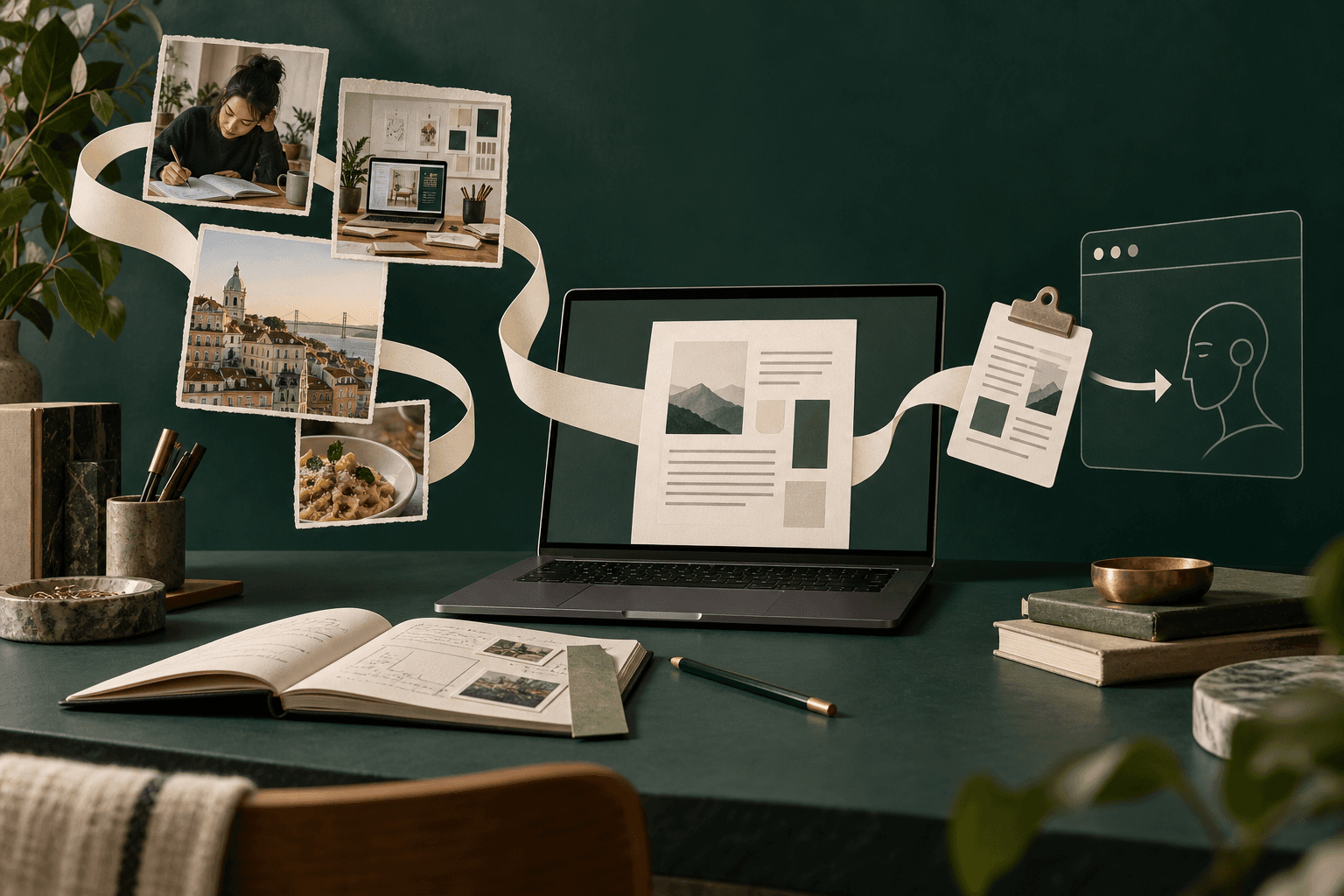
Save on your phone. Use it on your computer.
Summary + Transcripts + Your notes
Paste into Claude, Codex, ChatGPT or another tool
One library. Many kinds of useful.
Save a product idea. Add your perspective. Give your agent the context to work with.
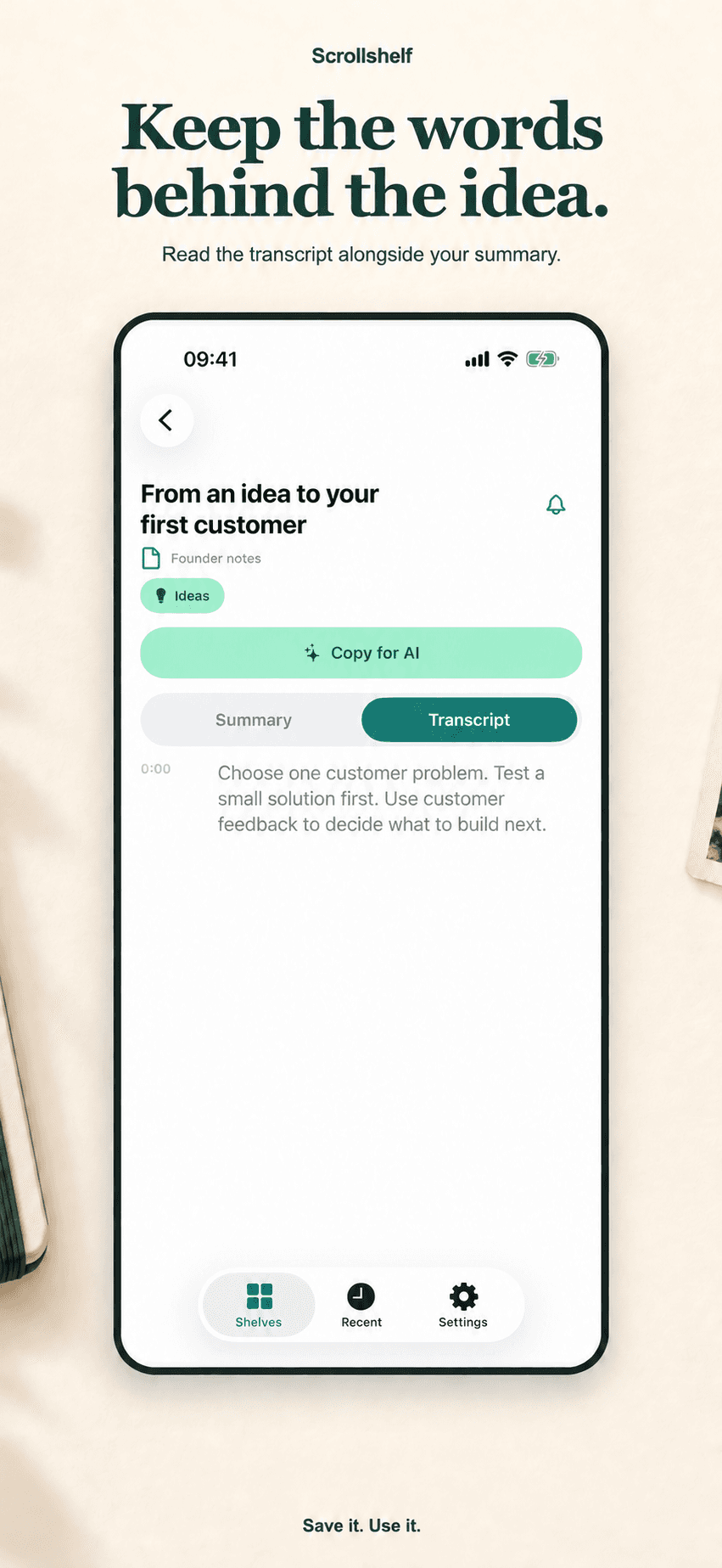
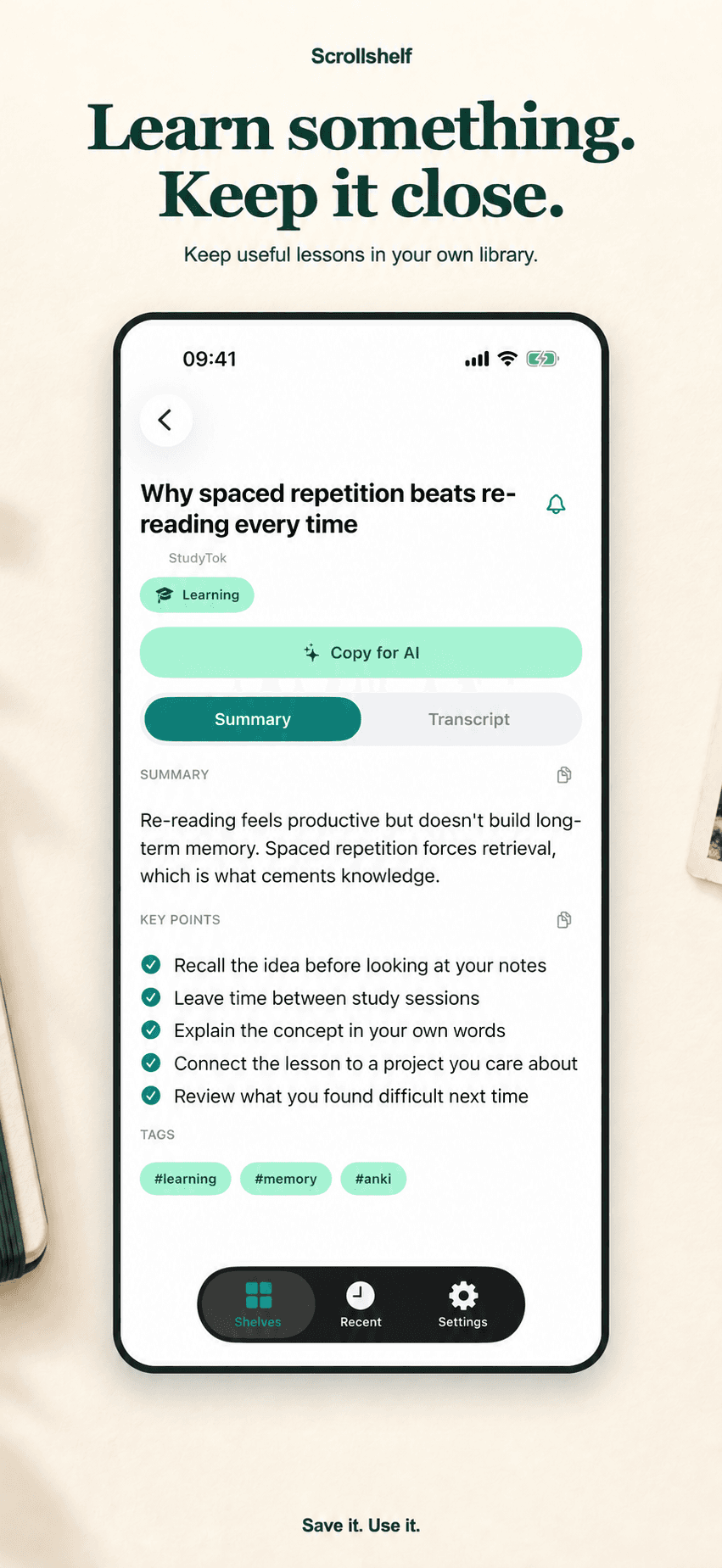
Keep a useful explanation. Read the transcript, make connections, and add your thinking.

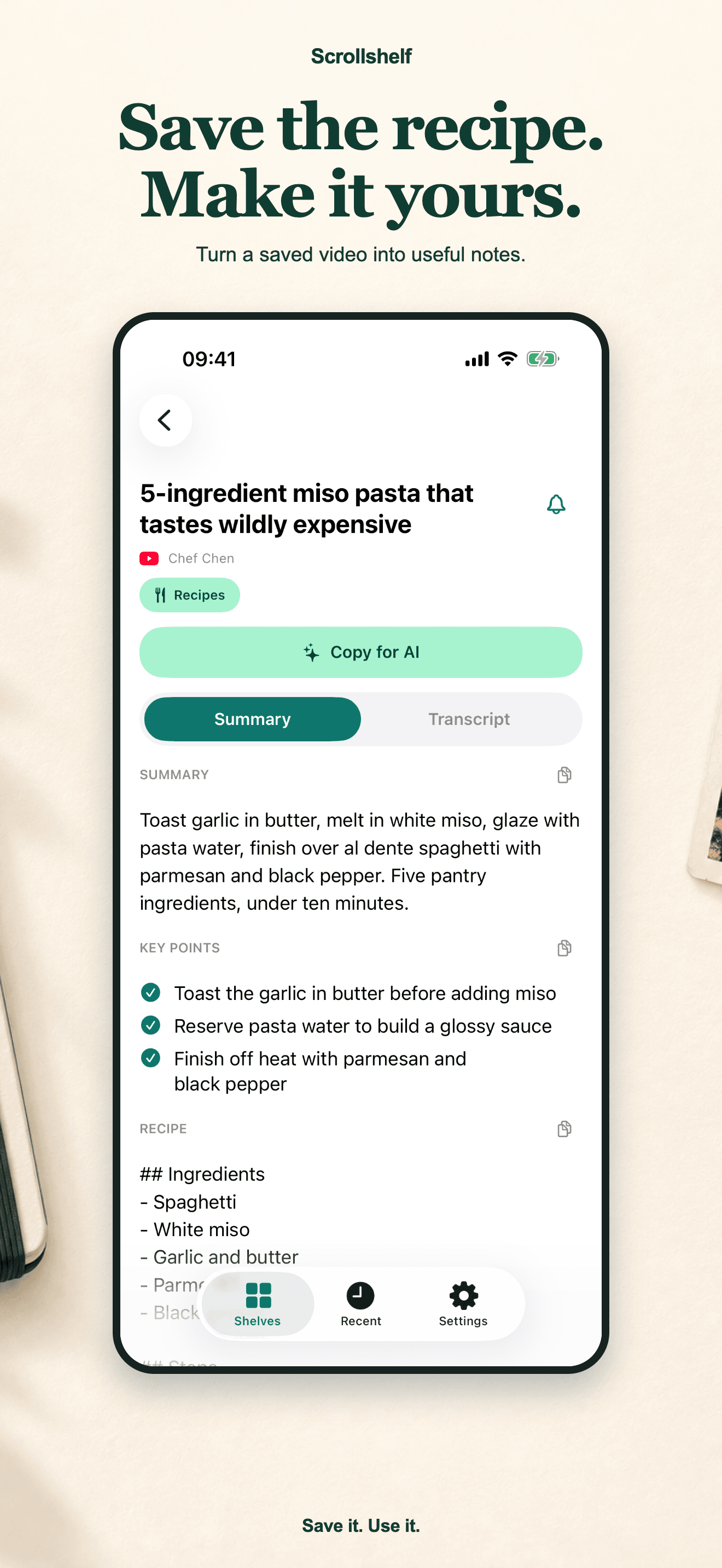
A recipe, a trip idea, a workout. Keep the details ready for when you need them.
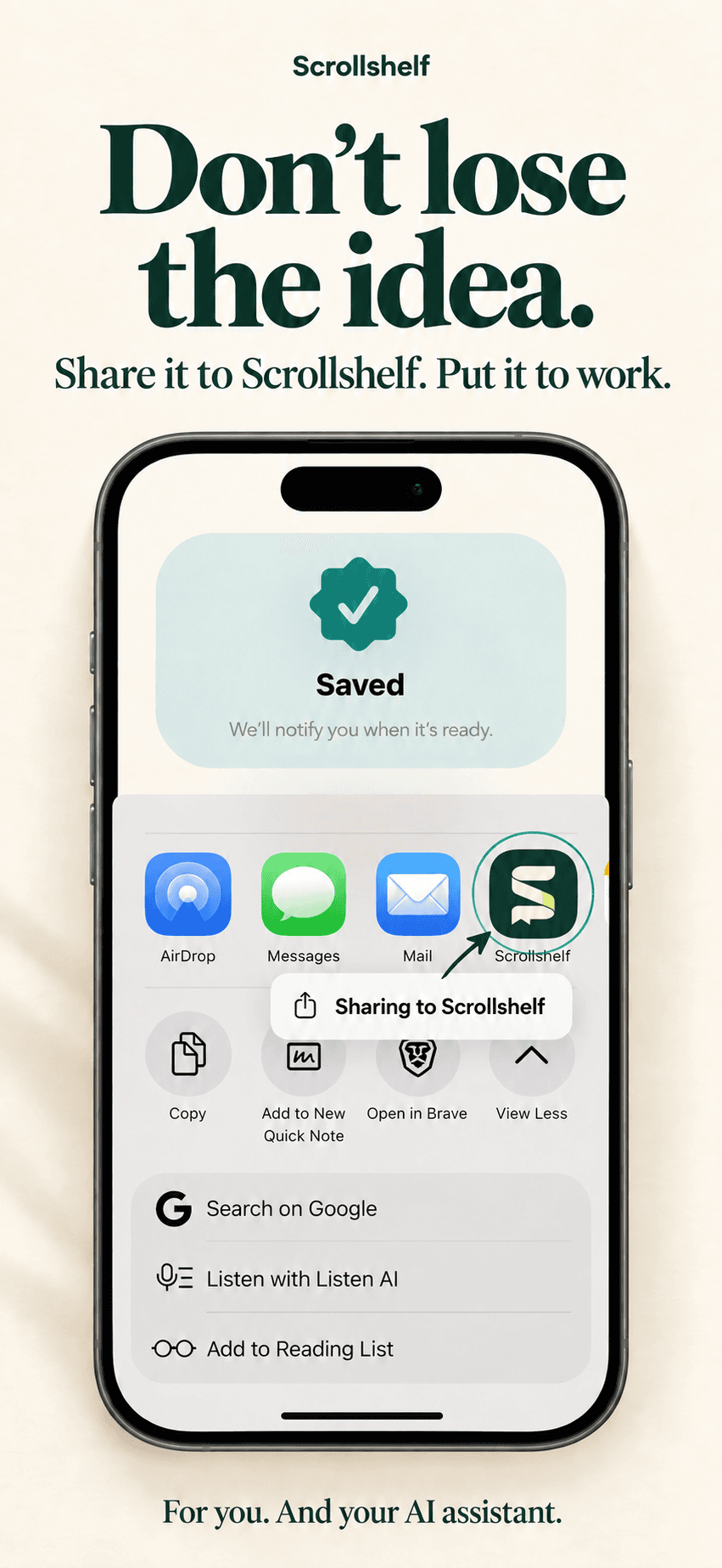
Hit Share on any reel, short, TikTok, or post. Send it to Scrollshelf.
Scrollshelf transcribes and summarizes your video, then files the note on a matching shelf.
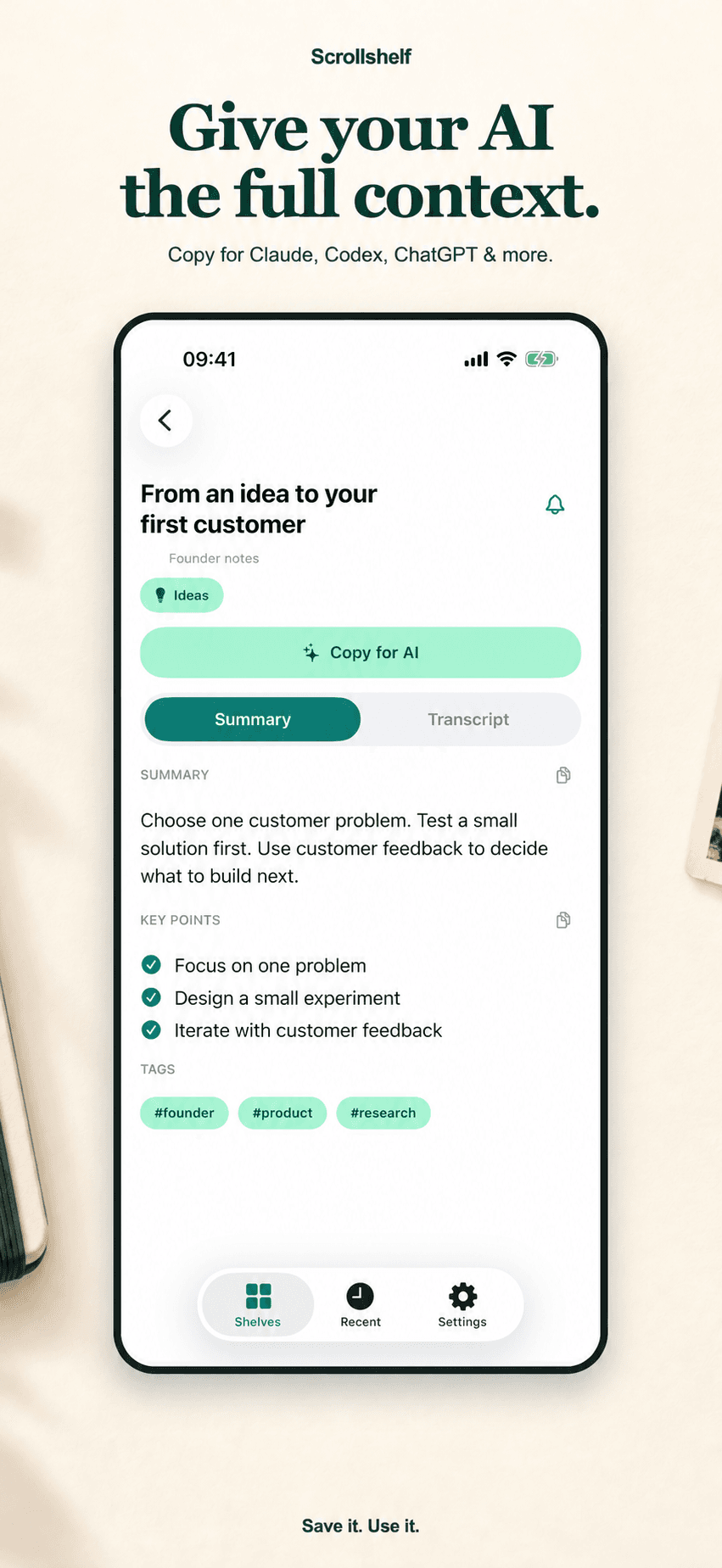
Open it on your computer, add your notes, then copy the summary, transcript and your thinking into the AI tool you use.
From your phone to your workspace
Read the summary and transcript beside your own notes. Copy for AI brings them together as plain text you can paste into Claude, Codex, ChatGPT or another tool. Sign in with your mobile-app account.
All notes
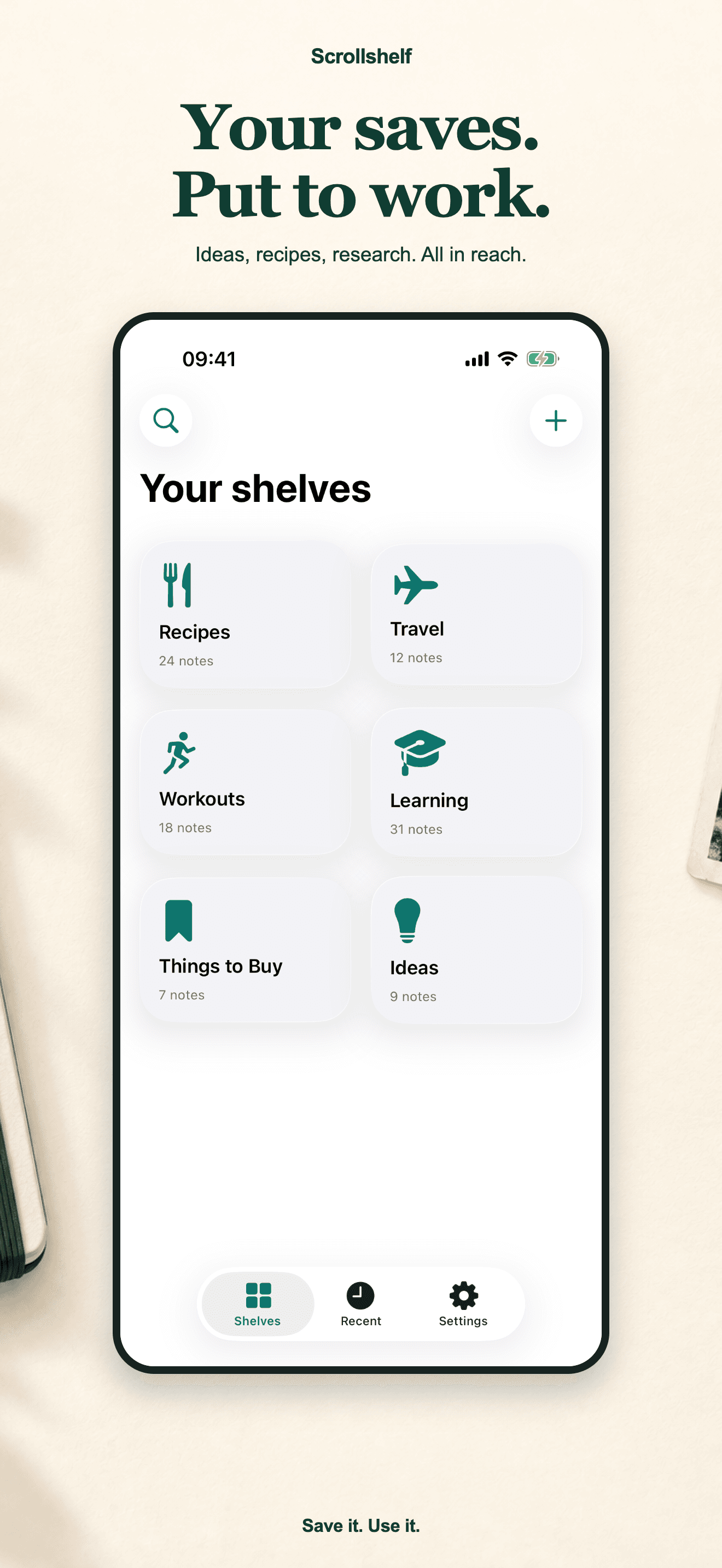
Choose a screen to explore the mobile app.
Shelves form around the way you save. You stay out of the filing job.
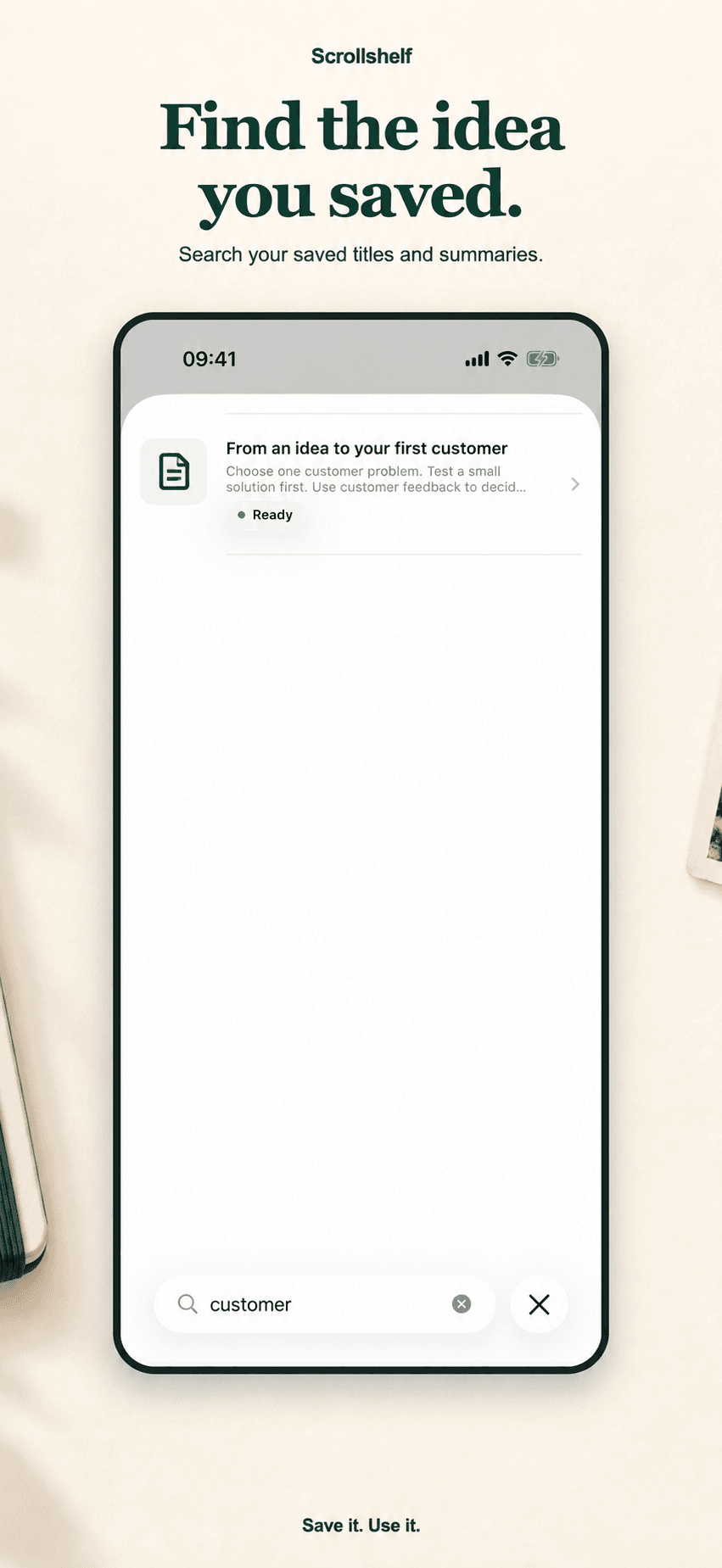
Every video turns into searchable text. The exact line you remember is one tap away.
Look up titles, transcript phrases and your own notes.
The app is available in ten languages, including English, Turkish, German, French, Spanish, Italian, Japanese, Russian, Arabic and Vietnamese.
Short answers, no marketing. If yours is missing, write to us from the Support page.
Anything with a Share button: TikTok, Instagram Reels, YouTube Shorts and full videos, X posts and web links. Share to Scrollshelf and it lands on a shelf.
Yes. Every saved video gets a full transcript plus a short summary and key points, so you can search the exact line you remember instead of rewatching.
No. An agent reads the transcript and files the note on a matching shelf such as Recipes, Travel or Workouts. You can rename shelves or move notes any time.
Yes. Scrollshelf is on the App Store and Google Play, and your library is also open in any browser at app.scrollshelf.xyz.
Current subscription options, prices and any available trial offers are shown in the app.
Notes and transcripts are stored on secure servers in the EU. You can delete your whole account and its data from Settings in the app.
Yes. Copy for AI in the web app copies the summary, transcript, source details and your own notes together. Paste that text into your chosen tool. This is a clipboard workflow, not an automatic integration.
Get Scrollshelf for iOS or Android. See current subscription options and prices in the app.
Download on the App StoreGet it on Google Play